Stop 1 · Toronto
Sold out in four hoursCALGARY · NOV 12THCALGARY · THURSDAY, NOVEMBER 12TH, 2026Registration open
Claude 101for Accountants.
Stop reading about AI. Come build it.
A hands-on Claude workshop for accountants and bookkeepers. Thursday, November 12th at Platform Calgary. 50 free seats.
Calgary · November 12th
Calgary is a go.November 12th. Save your seat.
50 free seats at Platform Calgary. Toronto's went in four hours.
Registration is subject to host approval. The workshop's in Classroom 1, with coffee, lunch and sponsor tables in the adjacent Accelerator Zone.
Save My SeatFree. 50 seats. Thursday, November 12th at Platform Calgary.
Presented by
In partnership with

Sponsors




Official Notetaker
Vinyl is capturing the session so you can build instead of take notes.
The workshop is free because these companies pay for it.
The Stops
One city at a time.
Stop 2 · Calgary
NextNovember 12th, 2026
See CalgaryStop 3 · New York
Coming soonJanuary 2027
See New YorkStop 4 · Your city?
Vote for where we go next
Tell us your cityWhat came out of Toronto
Less than a week after Toronto, one attendee rebuilt a paid tool's job with what she made in the room.
"Cancelled the 30 day free trial, saved myself $7,000 a year for the subscription and created a workflow tailored to my firm and my staff."
Stephany St.Louis, CPB, PCP
Toronto attendee, on what she built in the room.
The room
Toronto, September 17th. Fifty laptops, four hours.
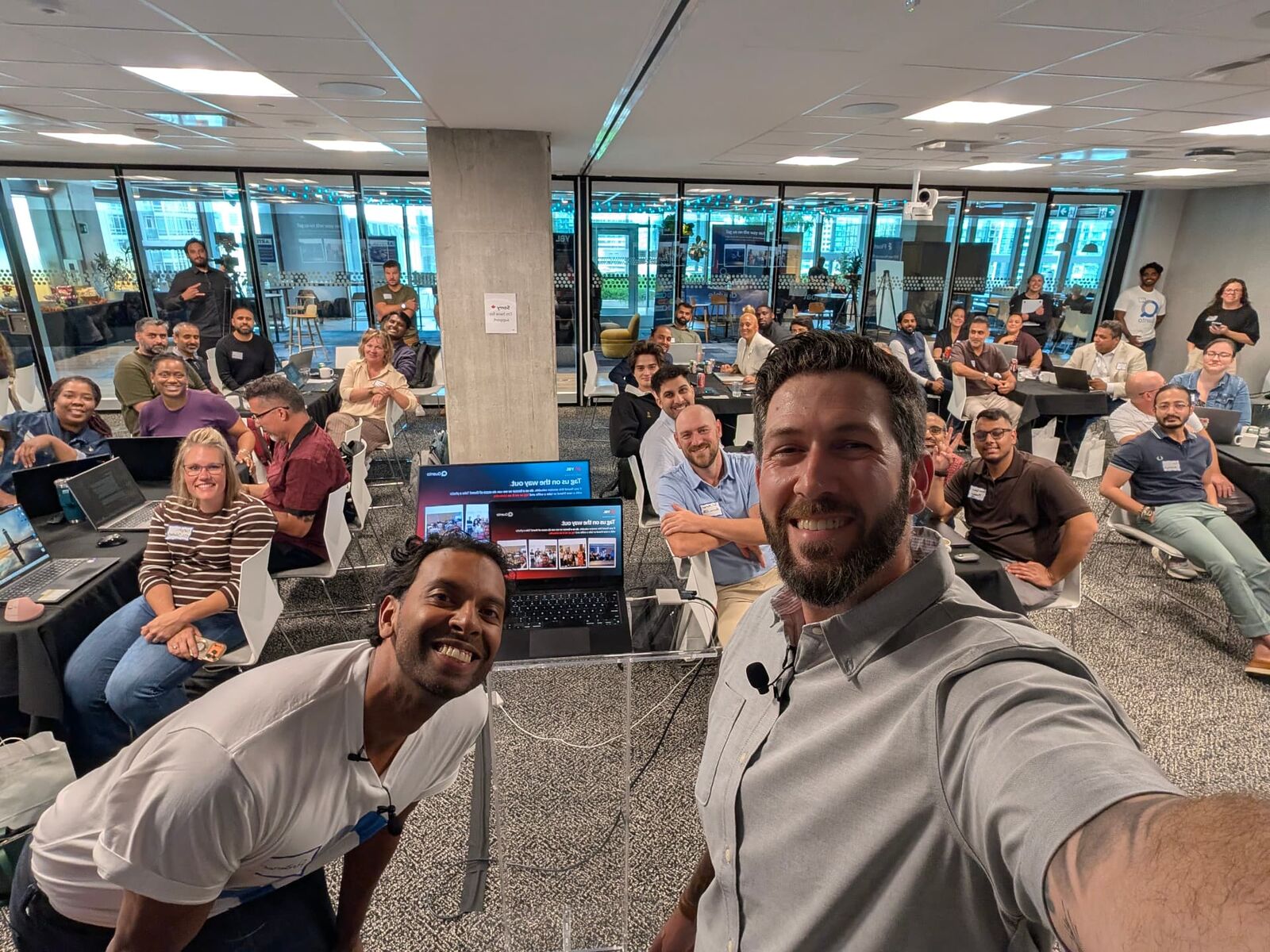
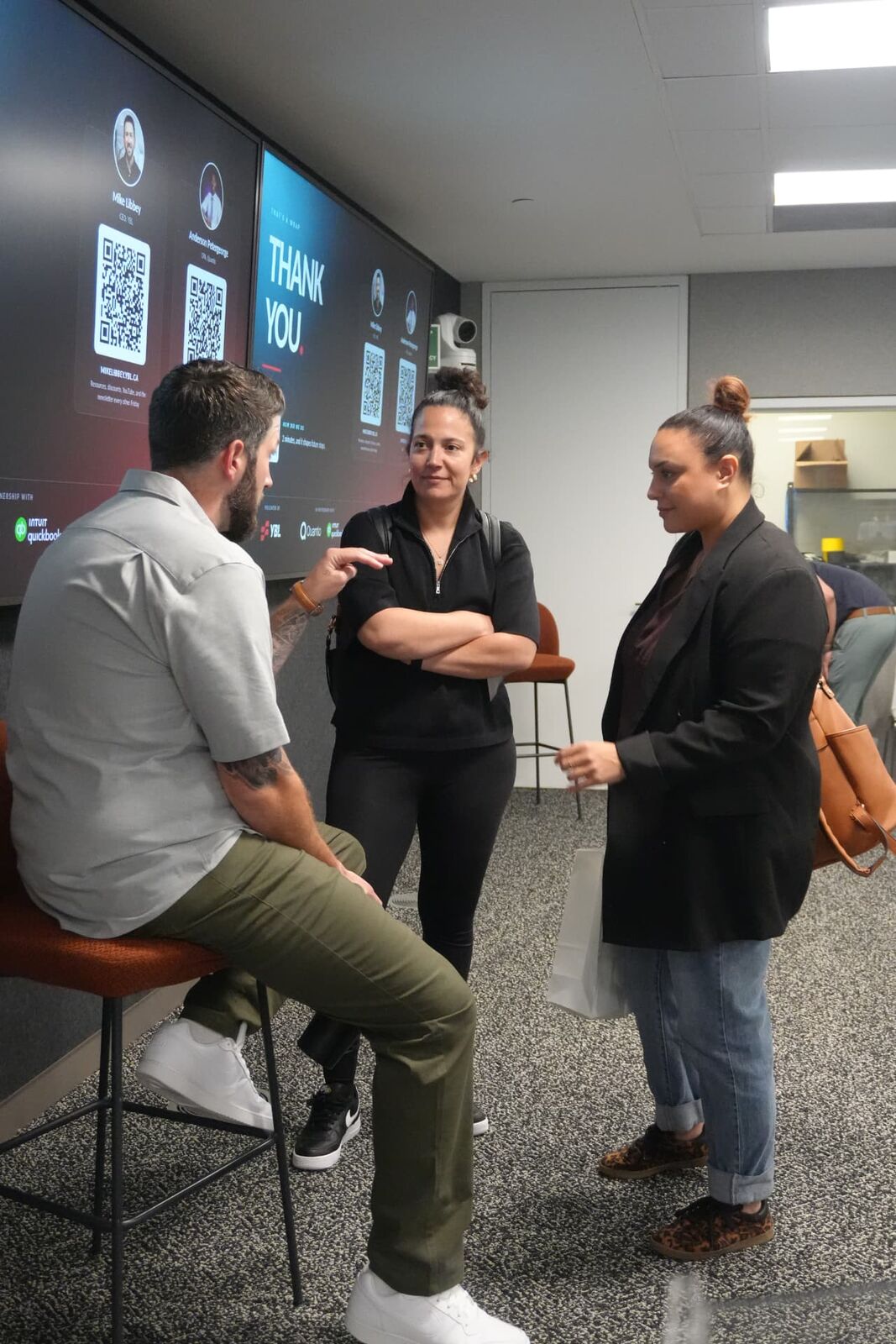
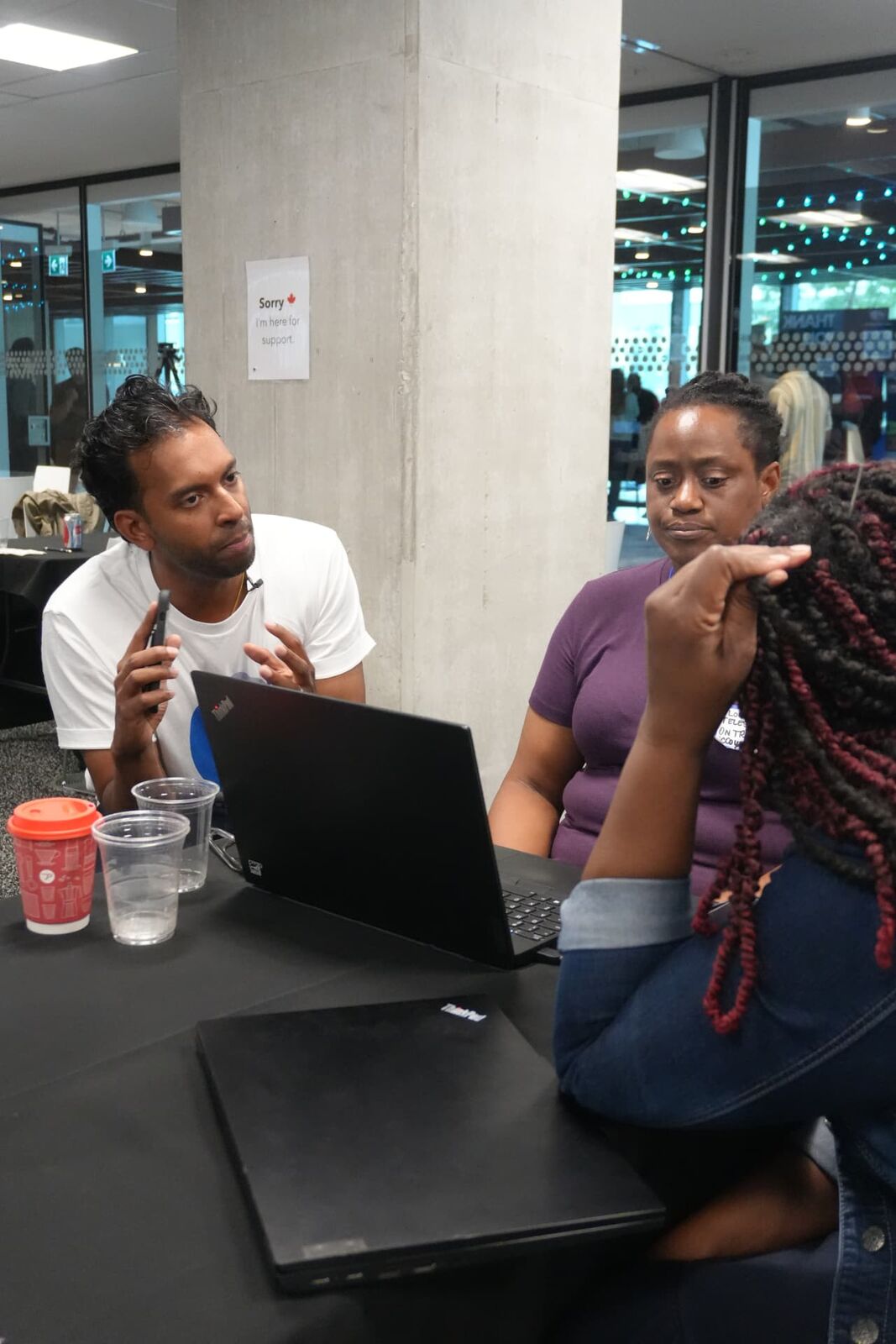
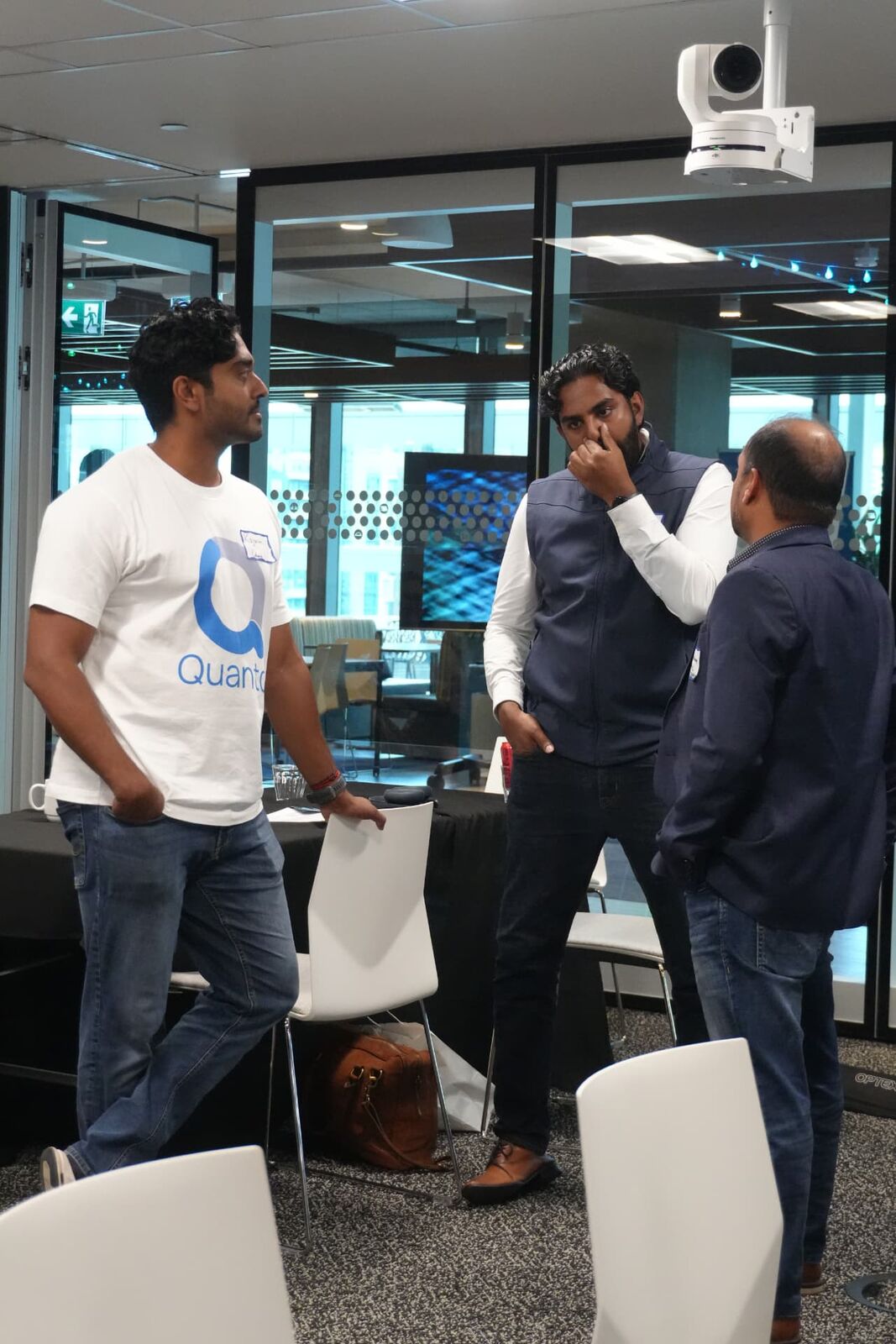
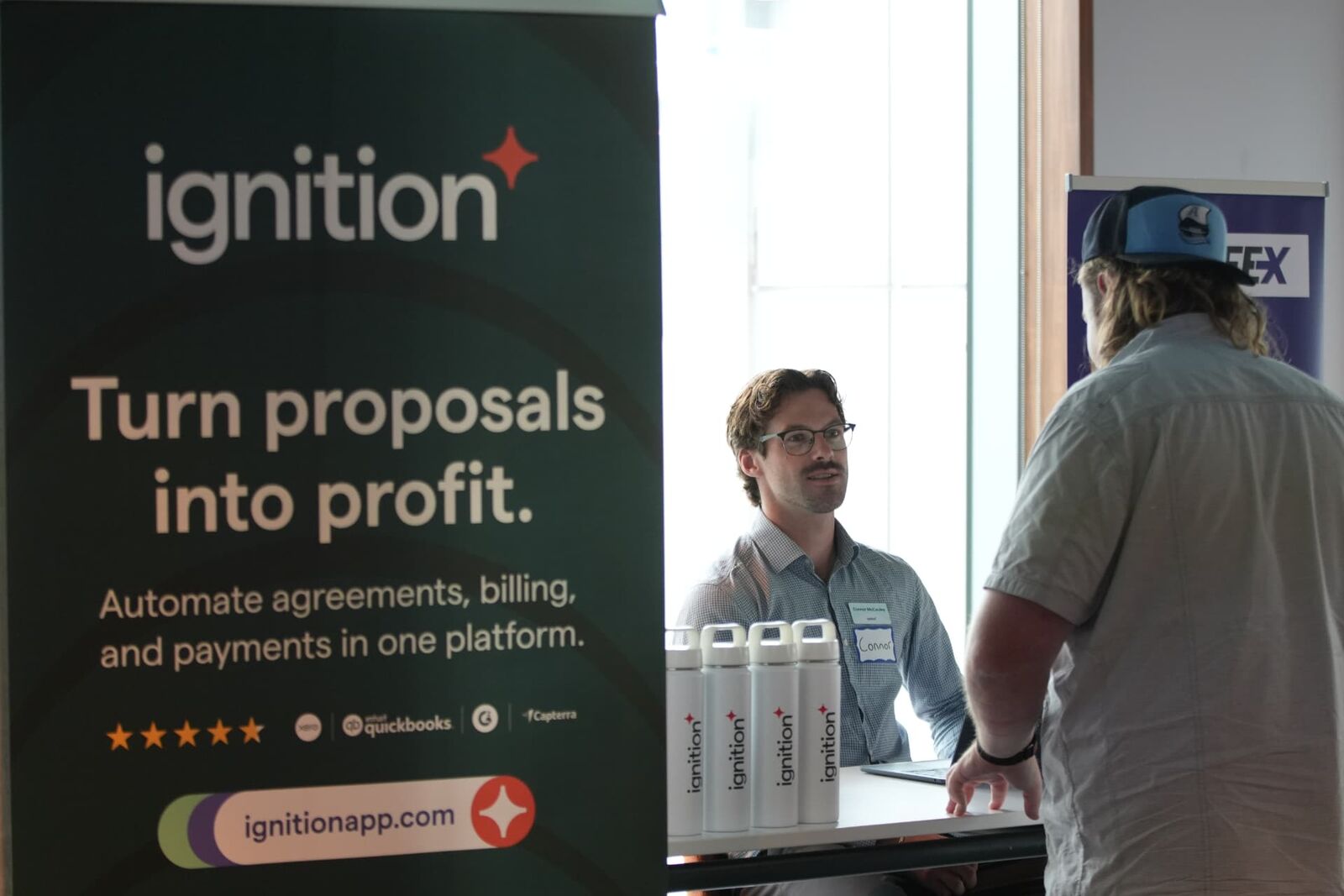
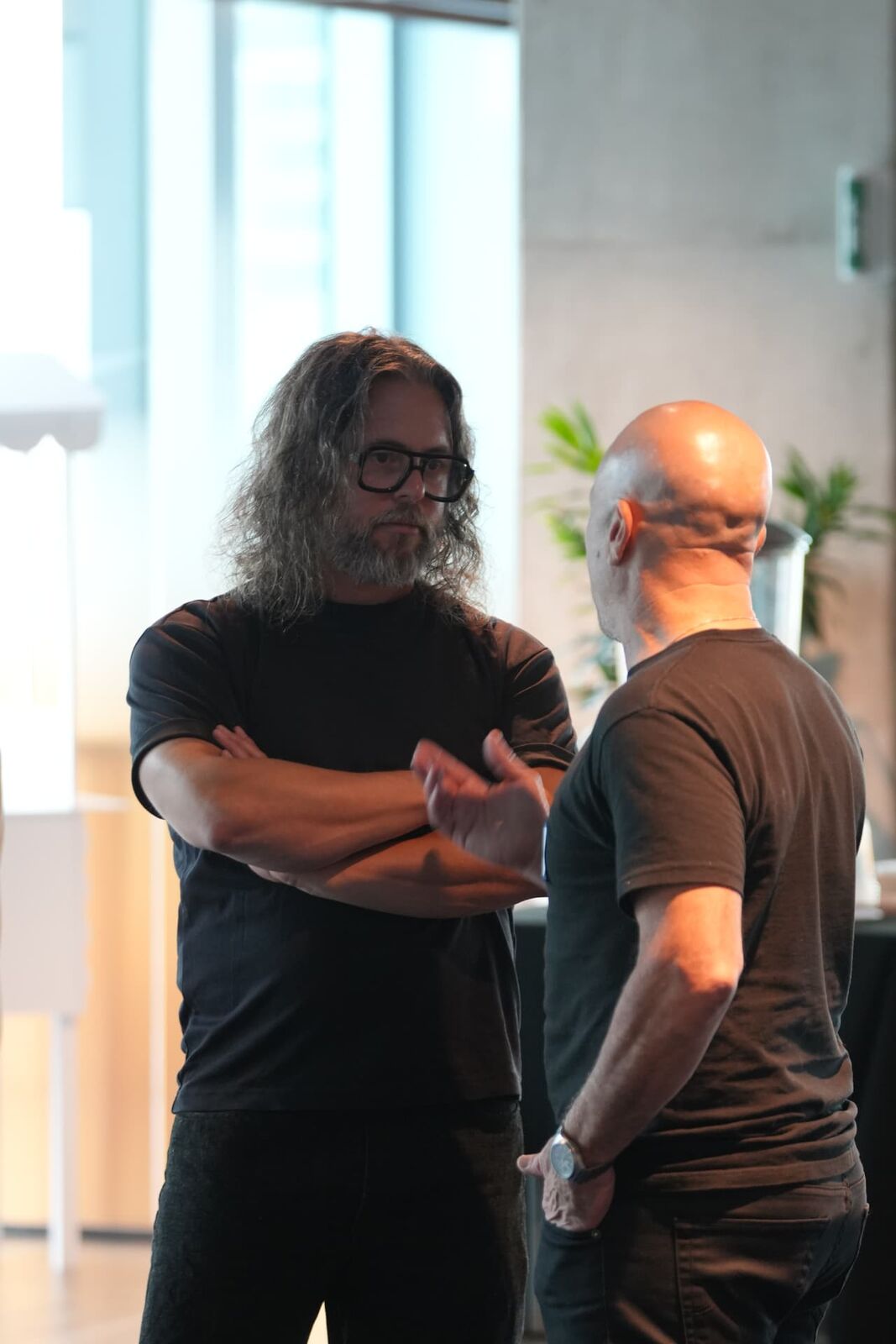
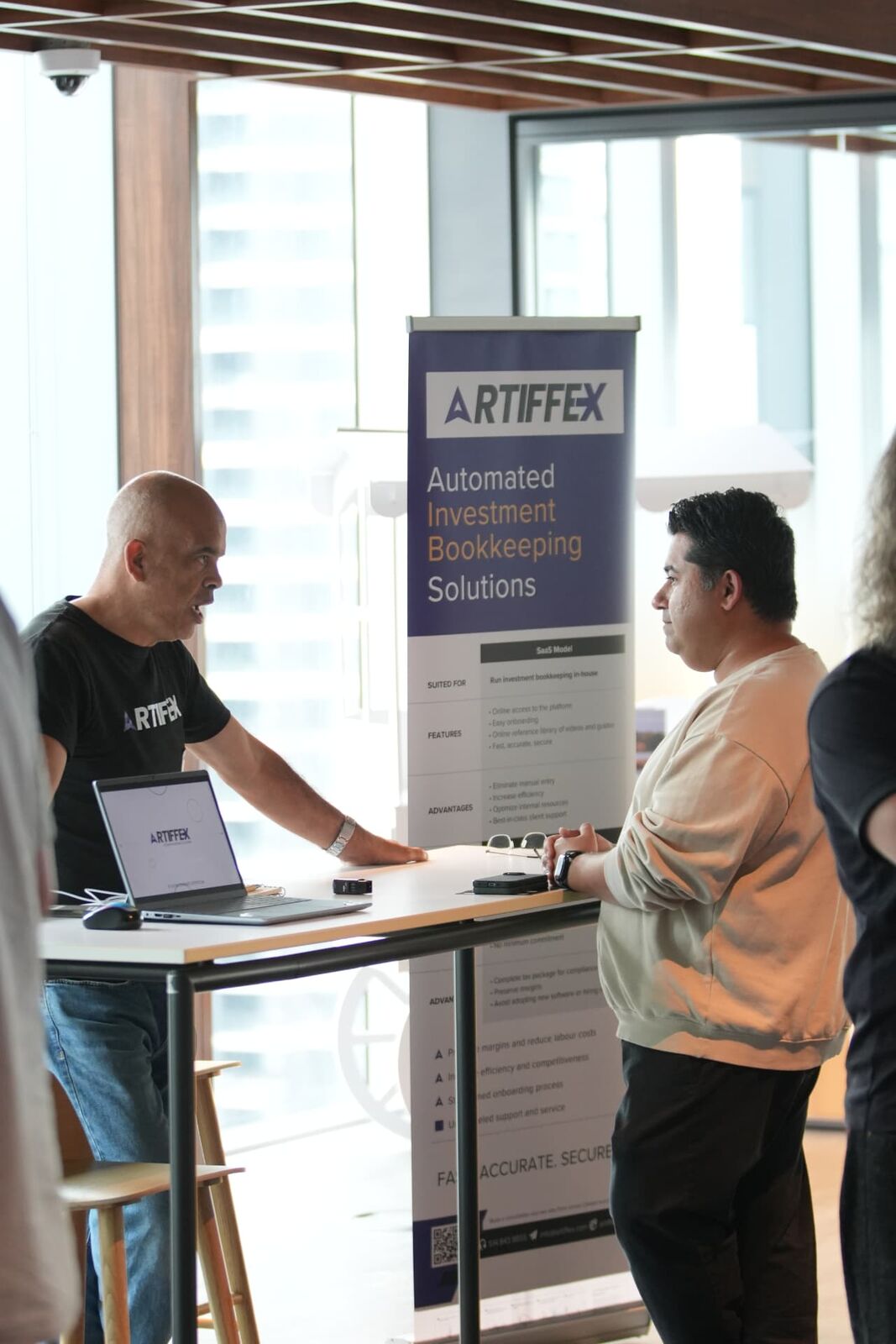
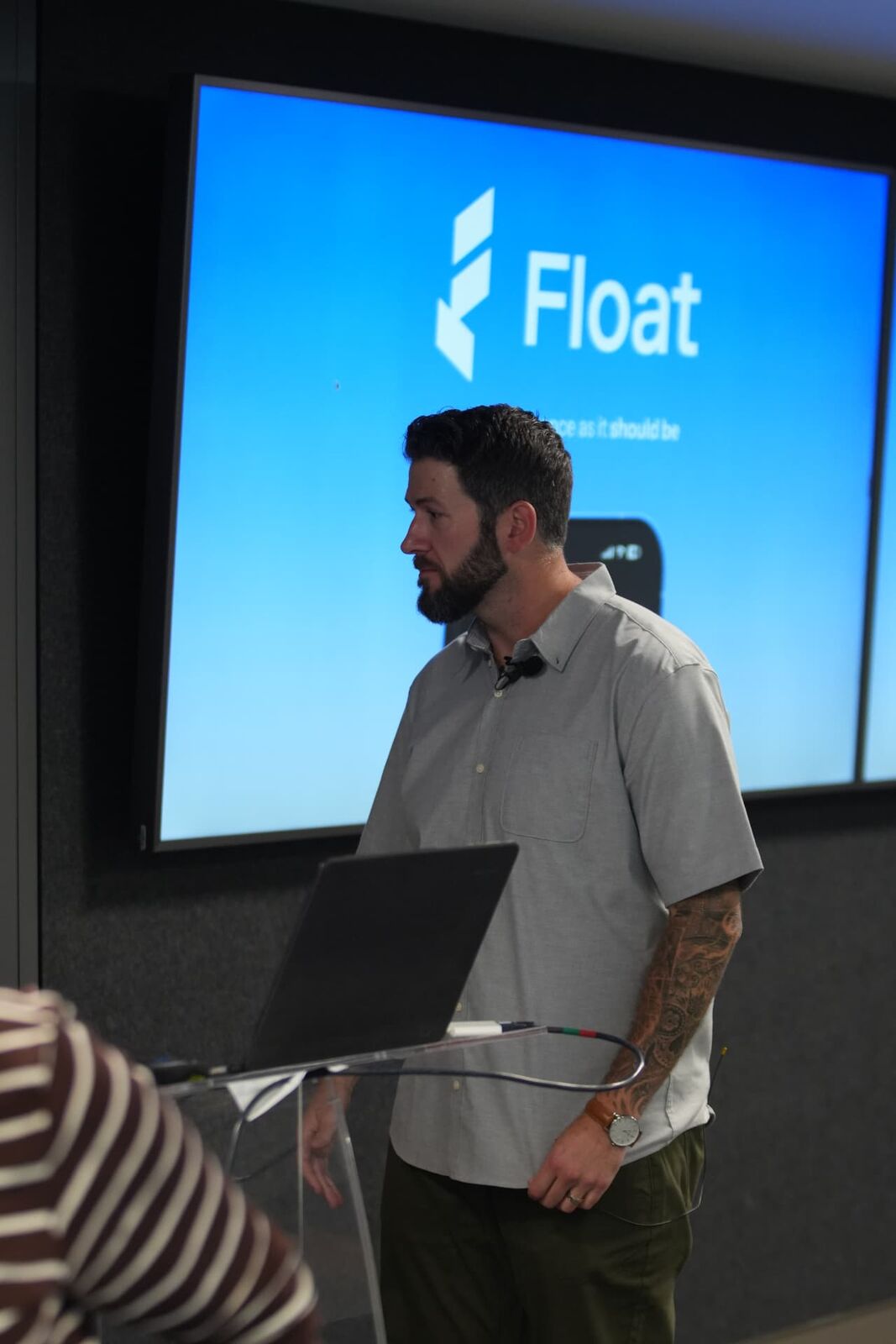
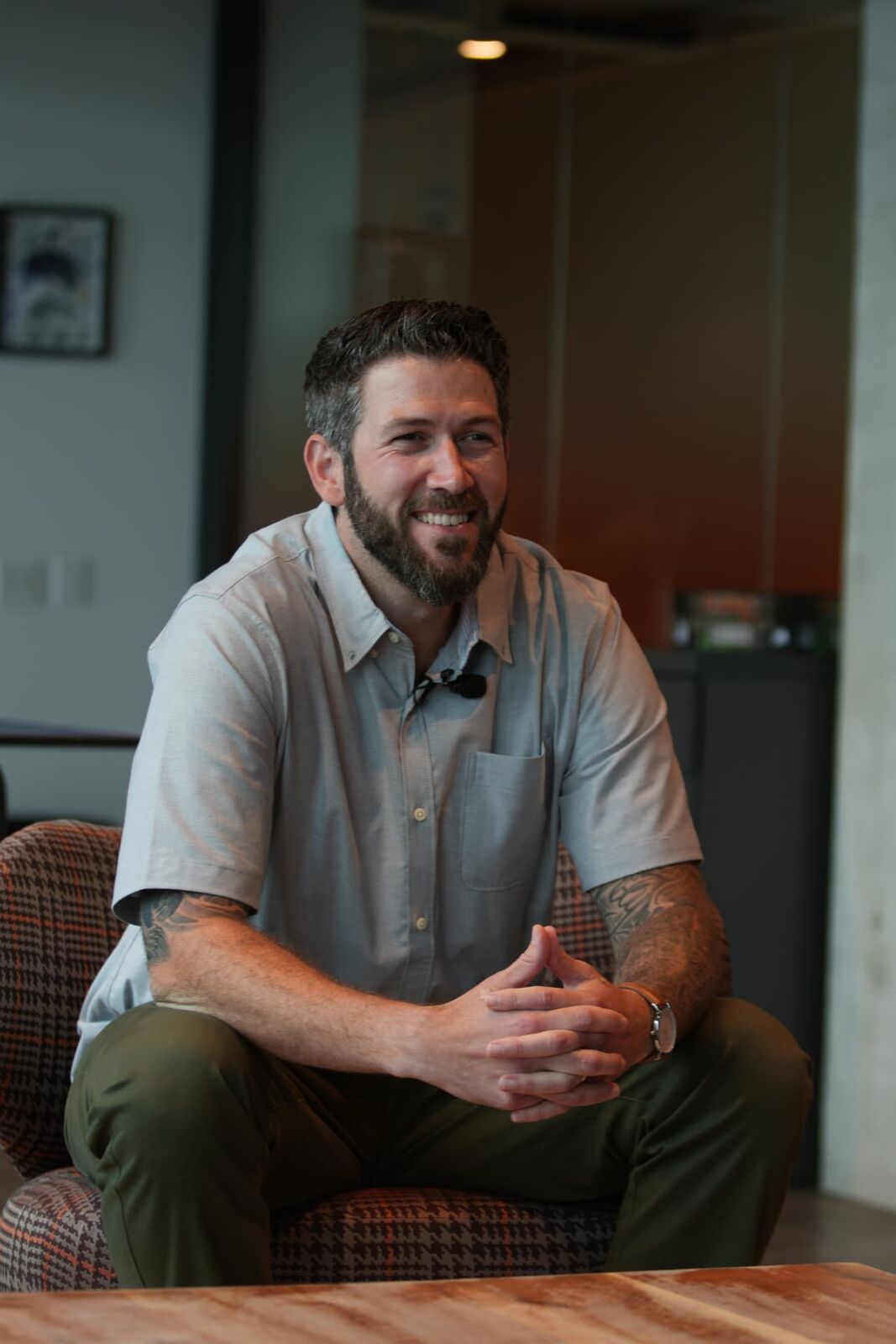
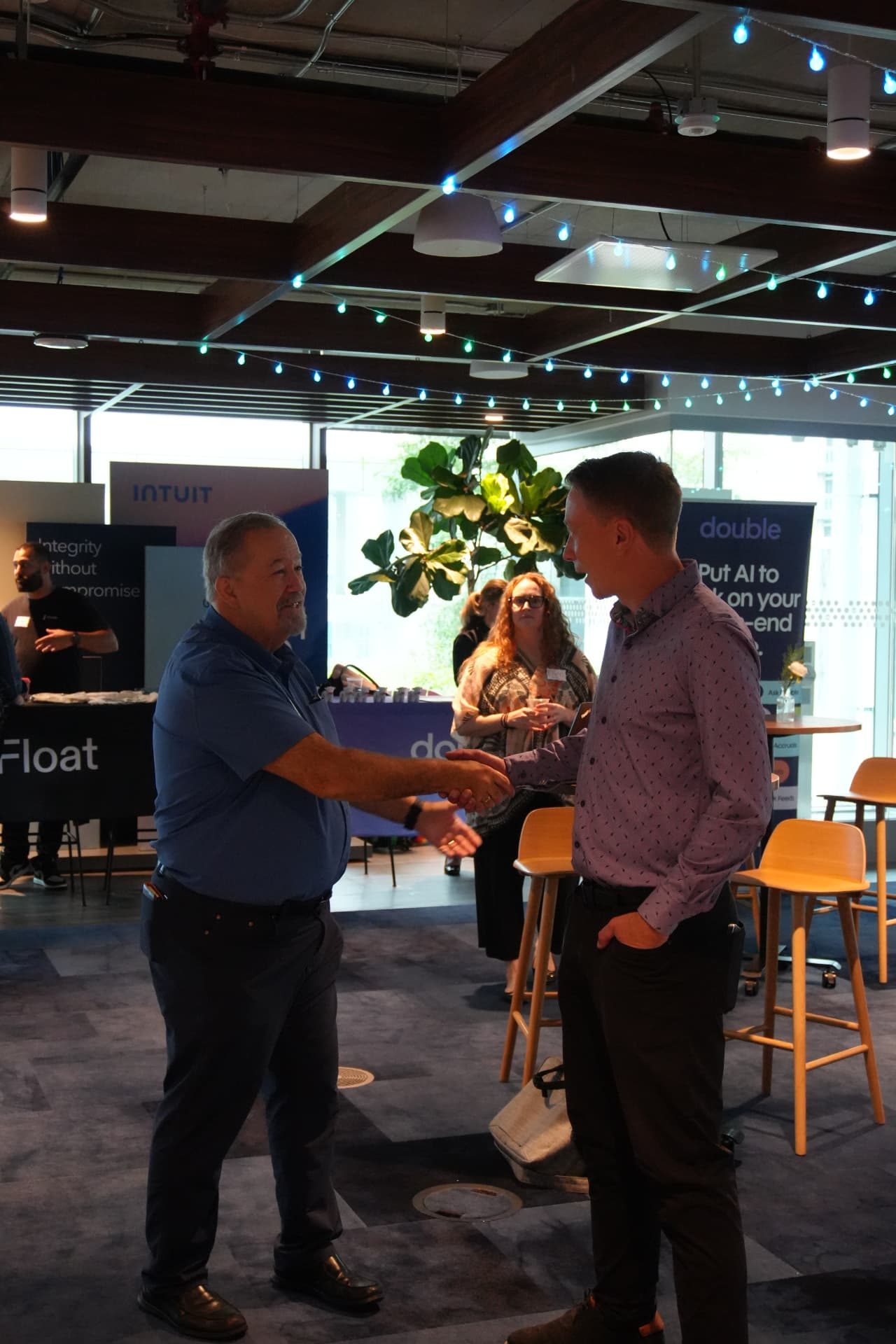
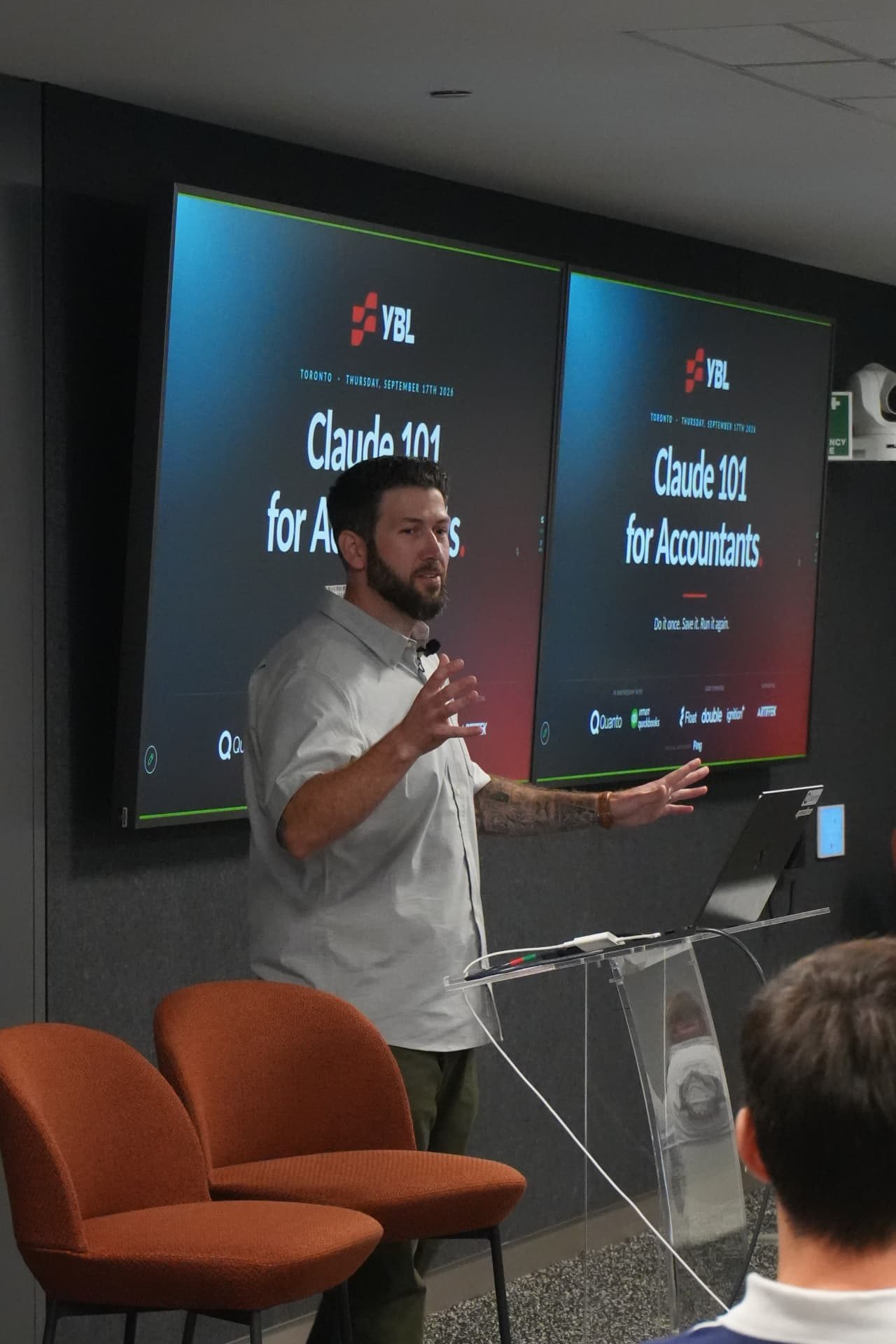
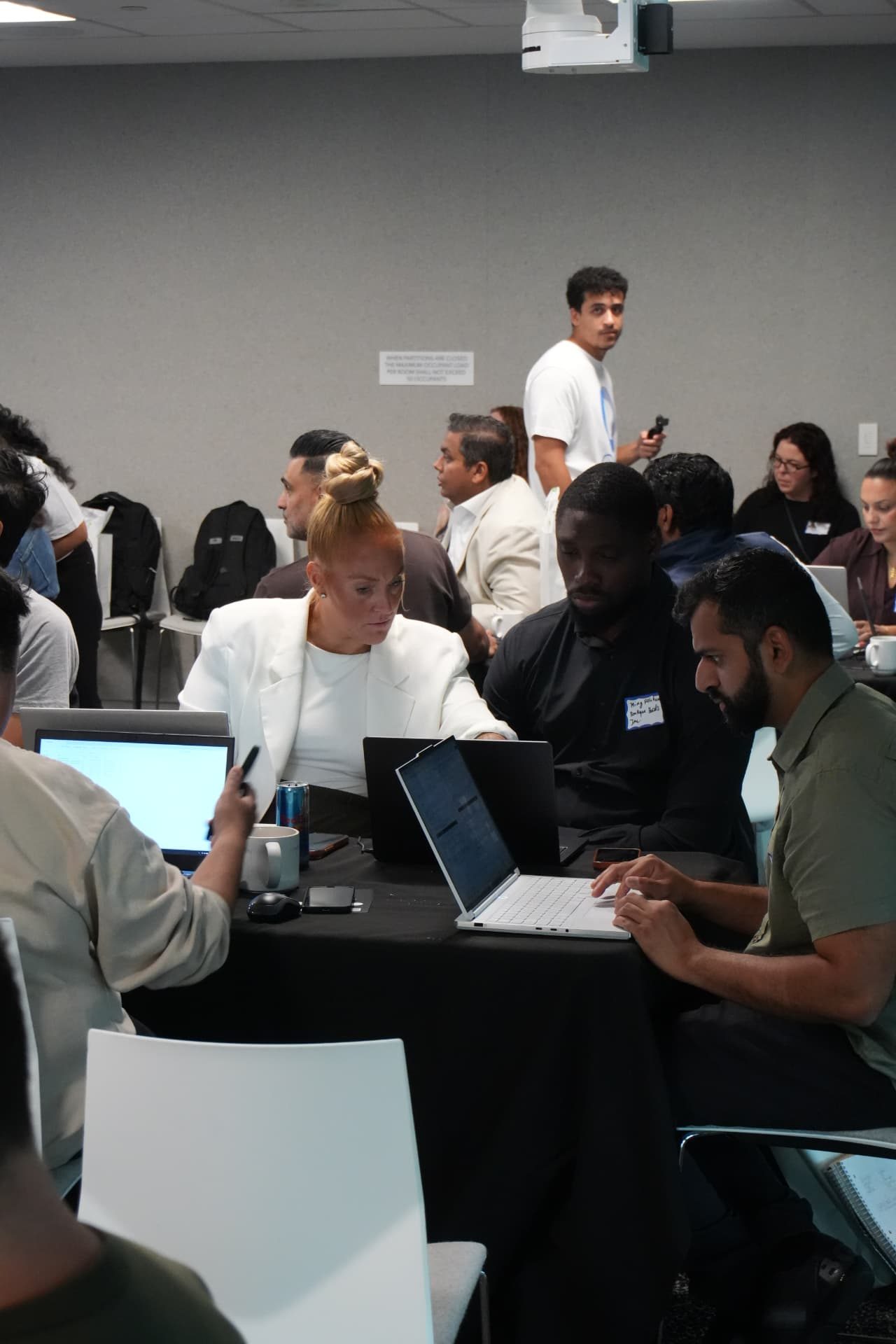
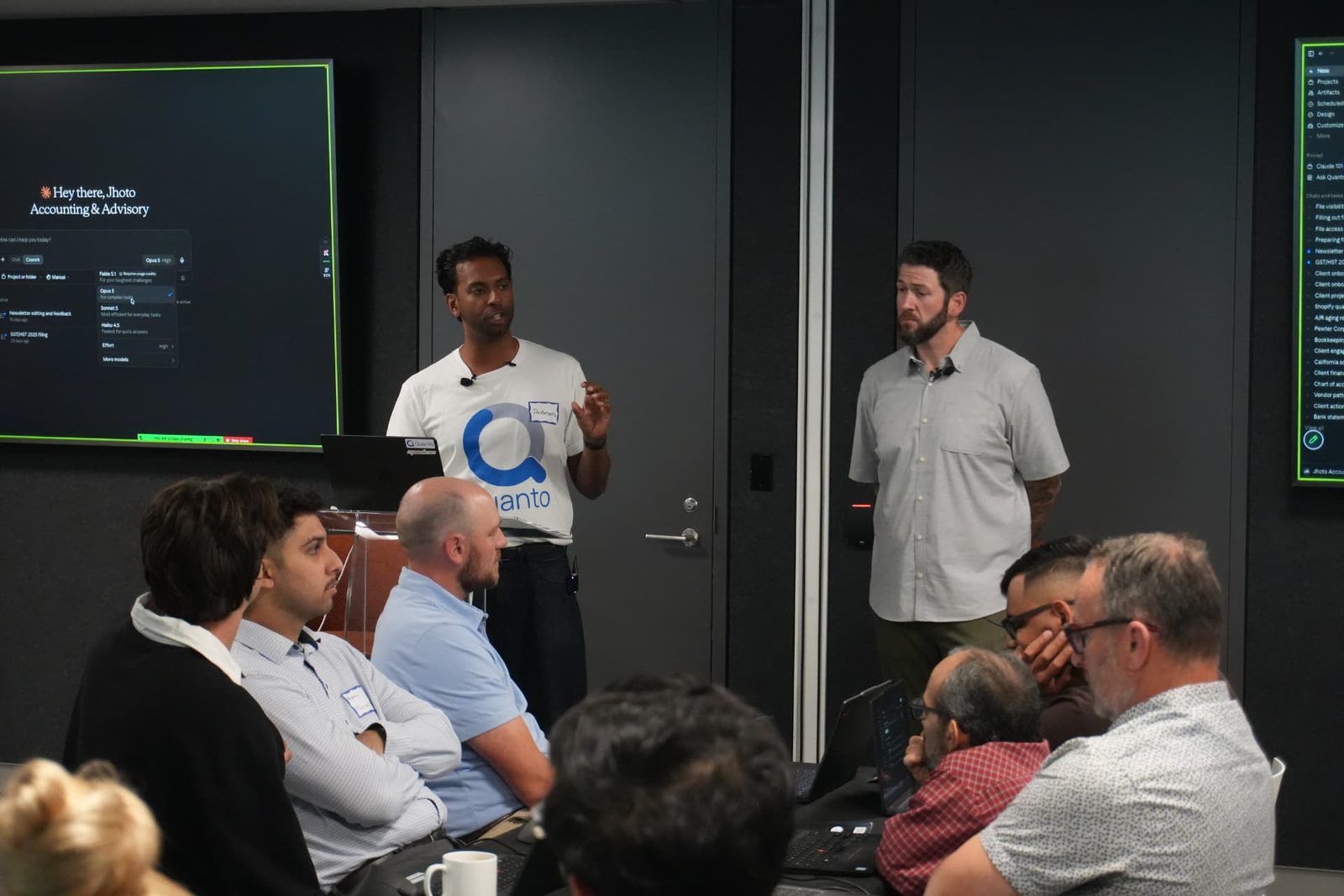
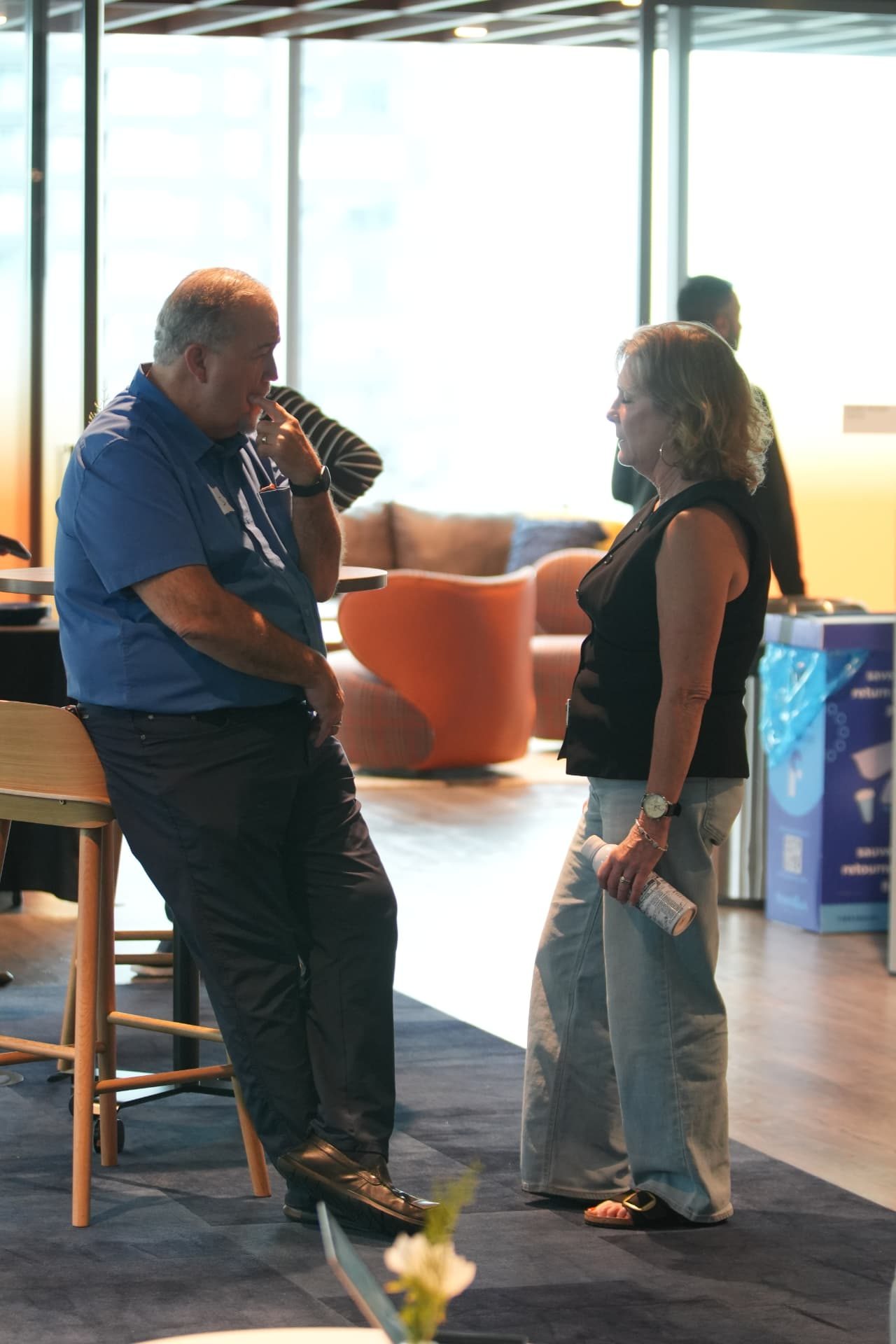
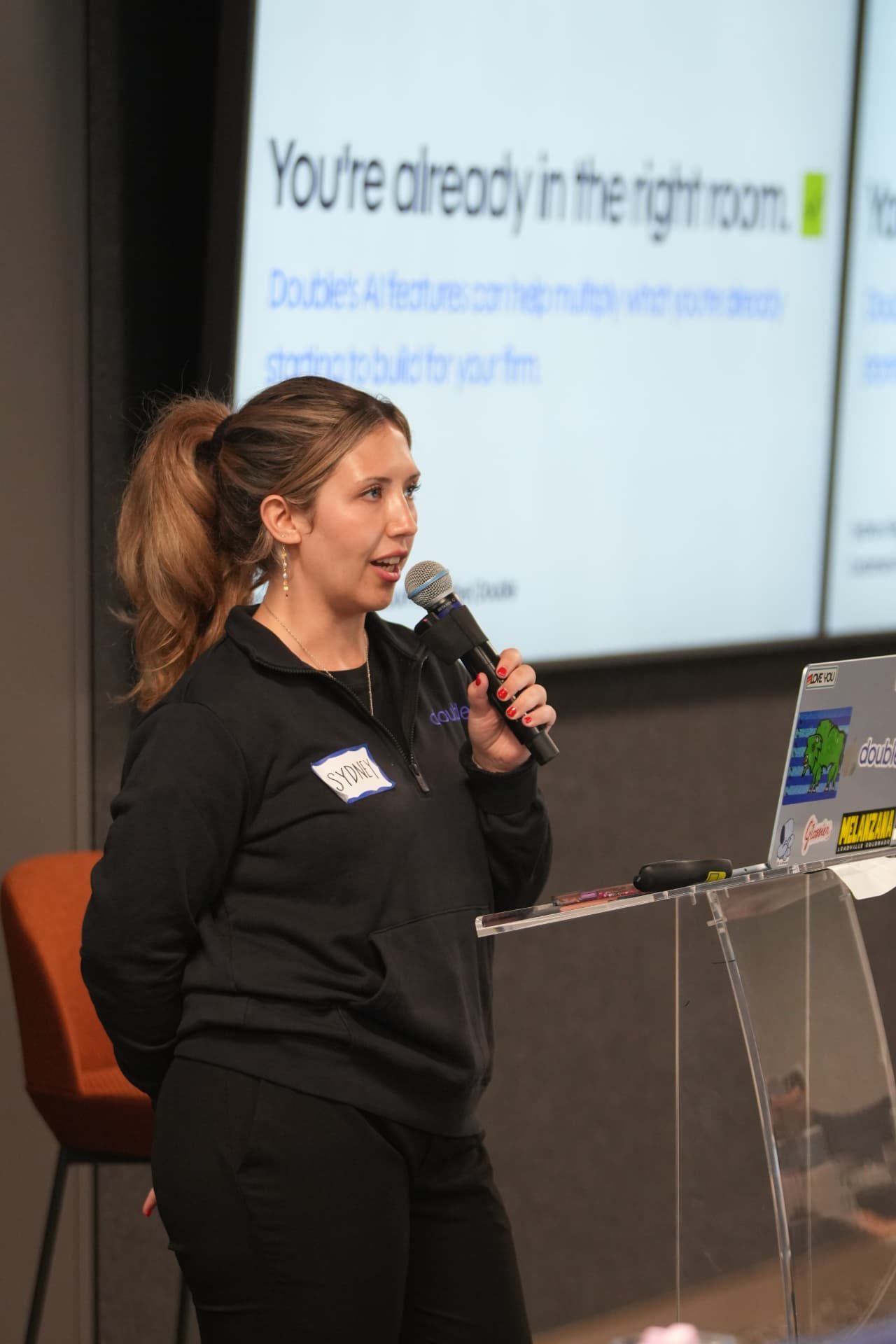
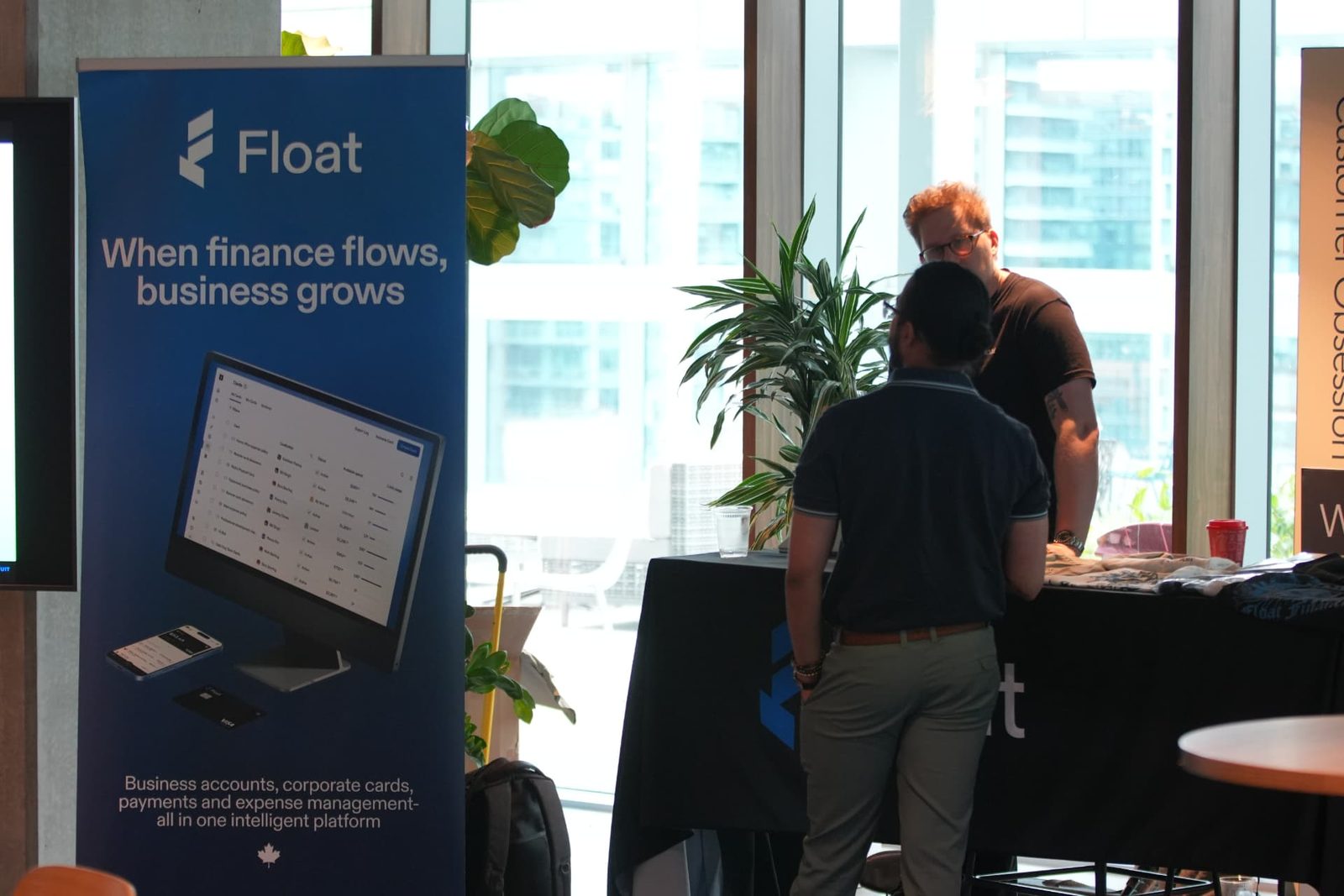
Photos from the first stop, hosted by Intuit QuickBooks in Toronto.
See the full Toronto recapNot in Calgary?
Tell us where to go next.
Toronto was stop one. Calgary is stop two. Pick your city, that's how we choose what comes after.
The Promise
Build something that actually works.
Built for beginners. You will not watch a demo, you will build the thing yourself, with people on the floor to get you unstuck.
Roaming AI champions
Real humans on the floor getting you unstuck, live. Nobody sits there lost.
Practitioner-led
Taught by people running a real firm, not a vendor keynote.
What You Build
What you build in Claude.
Three things, on supplied sample data. You keep all of them.
01 · Project
The Harness
Security answered properly, Claude set up the right way, and your firm's own documents behind it.
02 · Skill
The Skill
A Skill you built yourself that runs a job you do by hand today.
03 · Skill
Advisory, new revenue and Claude Design
The revenue already sitting in work you have, with the digging done for you, turned into something that looks ready to hand a client.
- Projects
- Where your firm's knowledge lives
- Cowork
- The part that works on real files on your computer
- Skills
- A saved action you run in one click
The Day
Four and a half hours, fully hands-on.
Thursday, November 12th, 2026. Doors 9:00 AM, program 10:00 AM to 2:30 PM. Open floor and sponsor tables 2:30 to 3:30 PM, with a prize draw at 3:00 PM. All times are Mountain Time.
Platform Innovation Centre, Classroom 1, 407 9th Ave SE, Calgary, AB T2G 2K7. The workshop's in Classroom 1. Coffee, lunch, the sponsor tables and the open floor are in the Accelerator Zone right next door.
- 9:00 AM
Doors and setup help
Coffee in the Accelerator Zone and a hand getting set up if you want it. Come early, a full room arriving at once means the extra few minutes really help.
- 10:00 AM
Welcome
We start right on 10:00 in Classroom 1, so grab your coffee before then.
- 10:05 AM
Block 1 · The Harness, security, setup and your firm brain
Security first, because it's the question every client asks. Then getting Claude set up properly.
- 11:20 AM
Block 2 · The Skill
Take something you already do by hand, do it once with Claude, then save it as a Skill you can run again.
- 12:20 PM
Lunch
Provided by Float, in the Accelerator Zone. Eat, compare notes, keep building if you want to.
- 1:15 PM
Block 3 · Advisory, new revenue and Claude Design
Where the new revenue is hiding in work you already have, what advisory looks like when the digging is done for you, and then Claude Design to make it look like something you'd hand a client.
- 2:25 PM
Close
What to do with this back at your desk, and the card you fill in before you leave.
- 2:30 PM
Open floor (optional)
The program ends at 2:30, but you should stay. Mike and Anderson are around for questions and the sponsors are at their tables in the Accelerator Zone.
- 3:00 PM
Prize draw
There's cash going to someone in the room. Every attendee gets a passport card, collect a stamp at each sponsor table and you're in. You have to be in the room to win. We wrap at 3:30.
Come prepared
- Come early. We start right on time.
- A laptop, not a tablet.
- A paid Claude plan (Pro, Max, Team or Enterprise). The free plan will not get you through the day.
- The Claude desktop app installed, for Mac or Windows. Not the browser. We work with real files on your machine and that only works in the desktop app.
- The sample pack downloaded before you arrive. We send the link a week ahead.
You do not need to bring any of your own firm or client documents. Everything you build with is supplied, so nothing confidential leaves your office.
Calgary · November 12th
Ready to build something that actually works?
November 12th at Platform Calgary. 50 free seats, with registration on Luma subject to host approval.
Who It's For
Built for practitioners ready to implement AI.
This is for people who want to actually use AI back at their firm. If you only want to watch, this is not for you.
Beginners curious about AI. No experience required. Just a laptop and an open mind.
Firm owners and partners who want to actually implement AI, not just read about it
Bookkeepers ready to move past demo videos and build something real
Senior staff building the firm's next tech stack
Who's Teaching
Taught by people who have actually done it.

Mike Libbey
CEO, YBL
Mike Libbey is CEO of YBL, a 30+ person fully cloud-based accounting and advisory firm, named one of the Top 50 Modern Accounting Firms. A Top 50 International ProAdvisor, he builds the AI tools his own firm runs on, including YBL TaxPilot, and built the first of them himself without a development team. He writes The AI-First Firm about rewiring a firm to be AI-first, including the parts that break.
Karbon AI Innovation AwardTop 50 Modern Firm
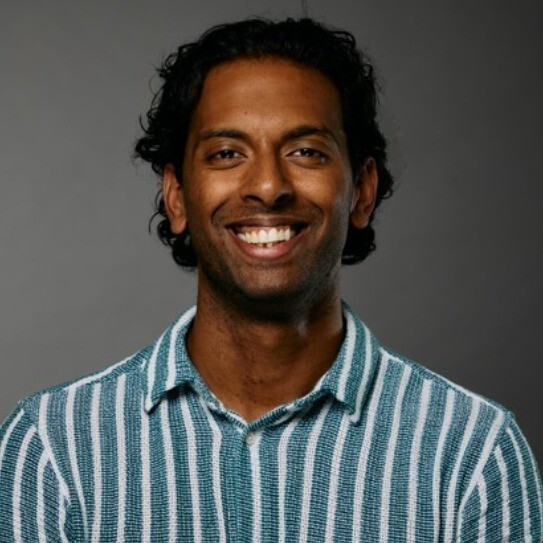
Anderson Petergeorge
Co-Founder, Quanto
Anderson Petergeorge is the co-founder of Quanto, a sales and marketing partner built exclusively for accounting firms. A CPA who ran his own firm before founding Quanto, he helps accounting firms grow through brand building layered with AI outbound automation to find clients they're absolutely excited to work with.
8,000+ accountant communitya16z Speedrun-backed
Your instructors are practitioners who have already implemented AI inside real accounting firms. Plus roaming AI champions on the floor for live, hands-on support.
Where it goes
The three you build are the pattern. Here's what it does once it's yours.
Everything below is the same four steps: do it once with Claude, check the output, save it as a Skill, run it forever. Once you've done that three times, this is the kind of thing it starts eating.
Client communication, cleanup and close, advisory, and the business of your firm.
01
Client communication
- 01
Draft the month-end commentary, three bullets on what actually changed and what to do about it, in your firm's voice, straight off the P&L.
- 02
Chase missing year-end documents without writing the same email for the fortieth time.
- 03
Turn a CRA letter into plain English, plus a recommended response.
02
Cleanup and close
- 04
Categorize a messy statement and have it flag what it isn't sure about, instead of quietly guessing.
- 05
Catch the things that quietly cost you: duplicate charges, personal spending on the business card, equipment expensed instead of capitalized, supplier refunds booked as revenue.
- 06
Turn "how we actually do the close" into a written SOP the whole team follows.
03
Advisory, and the business of your firm
- 07
Spot the seasonal cash gap in a client's year, and the financing conversation with a fee attached to it.
- 08
Find which clients are underpriced against the hours you actually spend on them.
- 09
Walk into a client meeting with the five questions their numbers say you should be asking.
10
And so... so much more. This is scratching the surface.
Platform Calgary · Classroom 1 + Accelerator ZoneThursday, November 12th, 202610:00 AM to 2:30 PM MT, doors 9:00 AM MT50 free seatsRegistration on Luma, subject to host approvalOpen floor 2:30 to 3:30 PM MT, prize draw 3:00 PM MTLunch provided by Float, plus a Float t-shirt at check-inLaptop and a paid Claude planPlatform Calgary · Classroom 1 + Accelerator ZoneThursday, November 12th, 202610:00 AM to 2:30 PM MT, doors 9:00 AM MT50 free seatsRegistration on Luma, subject to host approvalOpen floor 2:30 to 3:30 PM MT, prize draw 3:00 PM MTLunch provided by Float, plus a Float t-shirt at check-inLaptop and a paid Claude planPlatform Calgary · Classroom 1 + Accelerator ZoneThursday, November 12th, 202610:00 AM to 2:30 PM MT, doors 9:00 AM MT50 free seatsRegistration on Luma, subject to host approvalOpen floor 2:30 to 3:30 PM MT, prize draw 3:00 PM MTLunch provided by Float, plus a Float t-shirt at check-inLaptop and a paid Claude plan
Logistics
Everything you need, in one line.
- Where
- Platform Calgary · Classroom 1 + Accelerator Zone
- When
- November 12th, 2026
- Time
- 10:00 AM to 2:30 PM MT
- Doors
- 9:00 AM MT
- Open floor
- 2:30 to 3:30 PM MT
- Prize draw
- 3:00 PM MT
- Cost
- Free · 50 seats
- Registration
- Luma, subject to host approval
- Included
- Lunch and a Float t-shirt
- You need
- Laptop + paid Claude plan
FAQ
Questions, answered straight.
Presented by
In partnership with
Sponsors
Official Notetaker
Next stop
November 12th. Save your seat.
50 free seats at Platform Calgary. Registration is open on Luma, subject to host approval.
Save My Seat
Free. 50 seats. Thursday, November 12th at Platform Calgary.
Stay for the 3:00 prize draw.
Registration includes an optional box to share your name, firm and email with our sponsors, who pay for your seat. It's fully optional and the day is identical either way.
Questions? Message on LinkedIn. Know someone who should come? Forward this page.